
Smaller images,
faster websites.
Smarter image compression for AVIF, WebP, PNG, SVG, JXL, and JPEG — smaller files, same perfect quality.
Image Optimizer for Web Performance
Compress WebP, AVIF, PNG, JPEG & SVG Online
Tailored solutions for website owners, developers, and designers.
Smart Compression
Cuts image file size by up to 80% on average — convert to WebP, AVIF, or JPEG XL, or batch-process hundreds of images at once, without visible quality loss.
SpeedImgs CDN
Power up your website with SpeedImgs’ Image CDN. Harness multiple content delivery networks along with advanced image optimization for unmatched reliability.
API Integration
Integrate SpeedImgs’ powerful image API seamlessly into your workflow. Explore advanced features like resizing, converting, and cropping for a comprehensive experience.
WordPress Plugin
Accelerate your WordPress website with SpeedImgs’ plugin. Automated image compression for fast page load times and enhanced user experience.
Shopify Extension
Speed up your Shopify store automatically. Compress every product image, serve WebP via CDN, and watch your store’s speed score climb.
Website Analyzer
Run a full image performance audit on any URL. Get a prioritized action plan with specific recommendations to boost your Core Web Vitals score.
Trusted by thousands of teams worldwide.
From scrappy startups to global brands — teams everywhere ship faster sites with SpeedImgs.









Every format. One tool.
AVIF, WebP, PNG, JPEG, JXL, SVG — all handled with the same speed and quality.
Up to 99% smaller than JPEG at equal quality. Best-in-class compression.
90% smaller than PNG, 25–34% smaller than JPEG. All modern browsers.
Full transparency support. Lossless compression for graphics and logos.
Smart lossy encoding preserves photograph detail at a fraction of the size.
JPEG XL — exceptional compression, HDR support, and future-proof format.
Scalable vector format with crisp quality, tiny file sizes, and perfect scaling for modern web graphics.
See the difference
for yourself
Drag the slider to compare original vs SpeedImgs compressed. The savings are real — the quality difference is invisible.


Insights of Lightning Fast Websites
Practical guides on image optimization, Core Web Vitals, modern formats, and performance engineering — written by the SpeedImgs team.
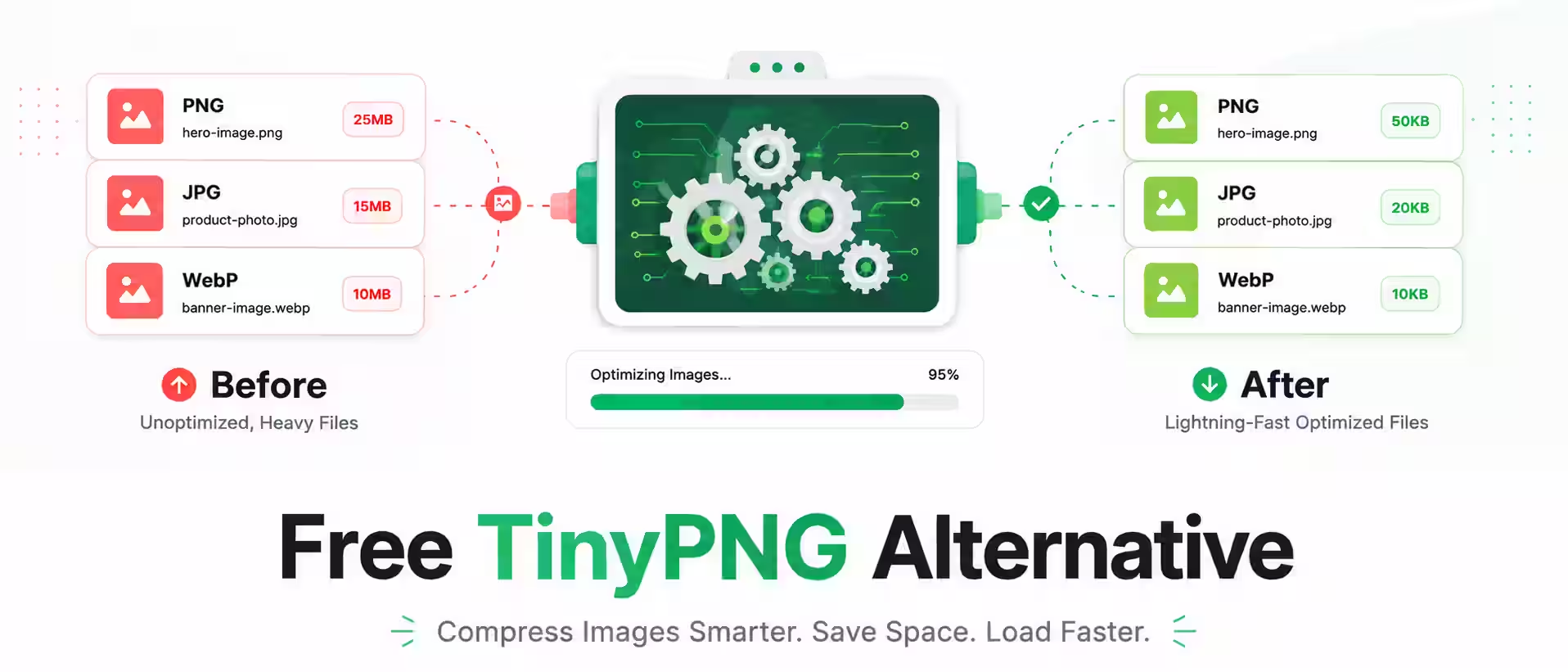
Free TinyPNG Alternative
Searching for a free TinyPNG alternative? SpeedImgs is a free online image optimizer that compresses and converts WebP, AVIF, JXL, SVG, PNG and JPEG without…
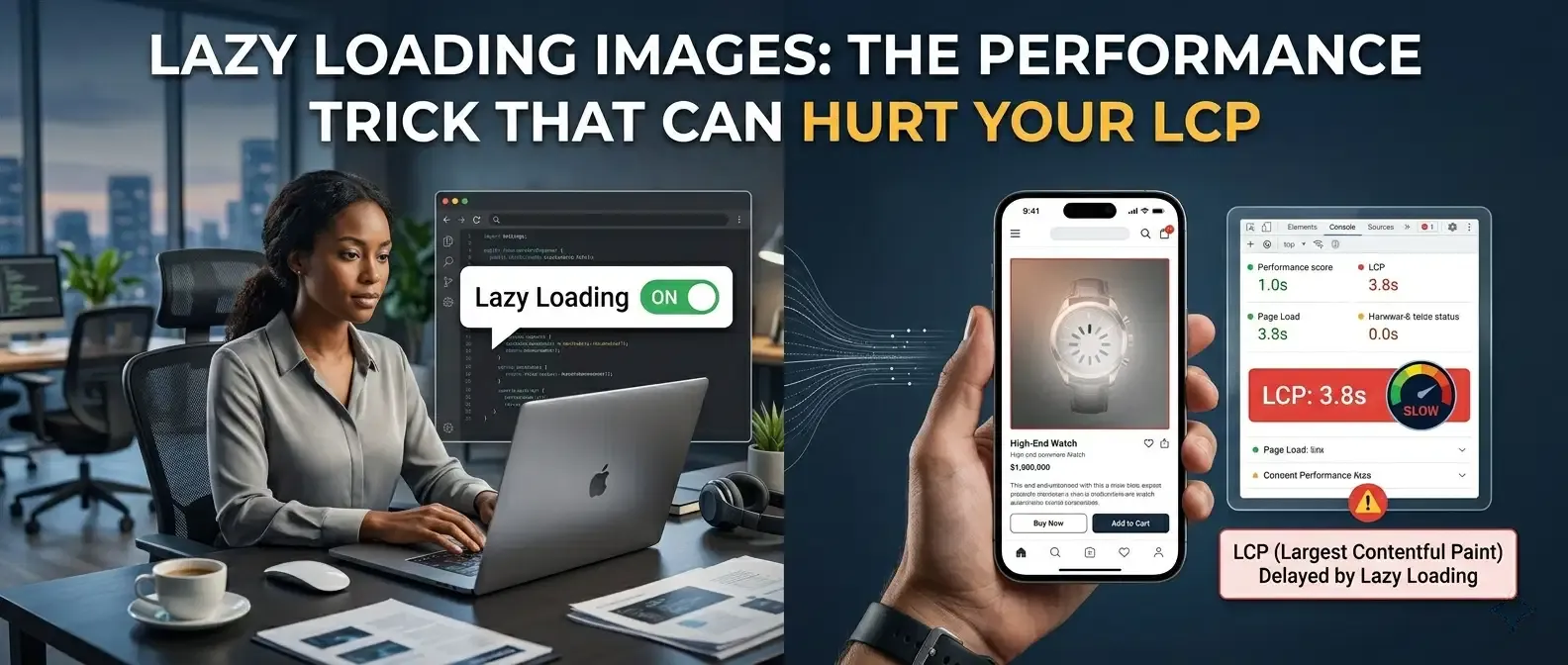
Lazy Loading Images: The Performance Trick That Can Hurt Your LCP
Lazy loading images is one of the most recommended performance techniques, but applying it to the wrong images can quietly hurt your LCP. Lazy loading…
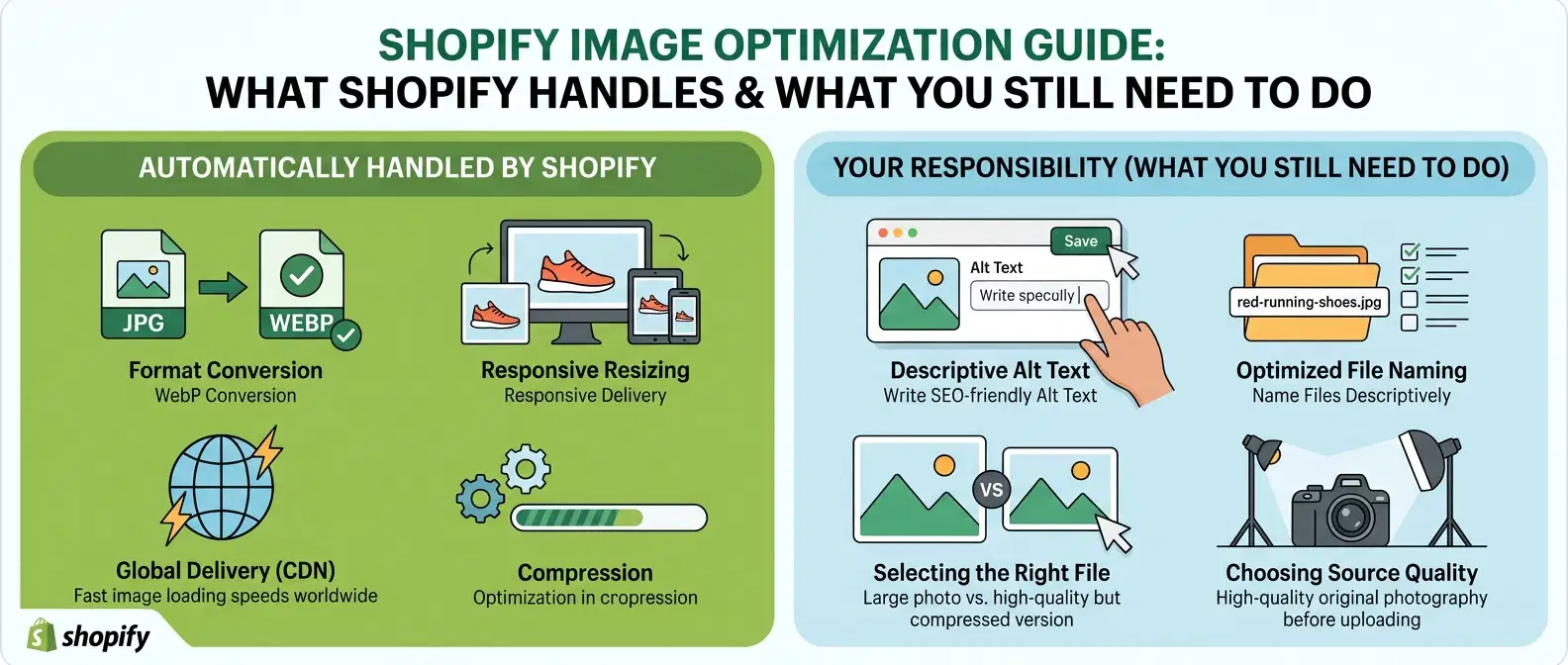
Shopify Image Optimization Guide: What Shopify Handles and What You Still Need to Do
This Shopify image optimization guide explains exactly what Shopify handles automatically and what you still need to do yourself. Many Shopify store owners assume that…
Three steps. That’s it.
One API endpoint handles compression, conversion, resizing, and cropping. Official SDKs available for all major languages.
SpeedImgs’ smart algorithm automatically selects the best optimization ratio for each image, resulting in the smallest possible file size without sacrificing quality.
No fuss, no hassle. Our platform requires no tinkering with intricate settings, ensuring seamless optimization for users of all levels, from beginners to experts.
Compress and convert AVIF, WebP, SVG, JPEG, JXL and animated PNG. One tool for all your image formats — no extra software needed.
What our customers say
Thousands of developers, designers, and e-commerce teams rely on SpeedImgs every day.
“Performance is more important for our clients than ever, and by using SpeedImgs CDN we are able to get outstanding performance scores.”
“We cut our page weight by 68% using SpeedImgs. Our Lighthouse scores went from the 40s to consistently above 90. Absolute game changer.”
“Infrastructure costs and improving SEO are recurring challenges. SpeedImgs’ API has proven to be an effective solution that pays for itself many times over.”
SpeedImgs reduced our website load times dramatically. The compression quality is outstanding and the workflow is incredibly smooth.
We optimized thousands of images for our ecommerce store and saw immediate performance improvements across desktop and mobile.
AVIF and WebP support helped us improve page speed and Core Web Vitals without changing our existing workflow.
Our Lighthouse scores improved significantly after switching to SpeedImgs. Faster images made a huge difference for user experience.
The bulk upload system saves our team hours every week. Fast processing and excellent quality every time.
Images optimized with SpeedImgs
Frequently asked questions
What is image compression?
Image compression is the process of reducing an image’s file size while keeping it visually usable, using two main approaches: lossy compression, which selectively discards image data a viewer is unlikely to notice, and lossless compression, which restructures the file’s internal data more efficiently without discarding anything. For most websites, a well-tuned lossy pass on formats like JPEG, WebP, or AVIF cuts file size dramatically with no visible difference in quality. Smaller image files matter because images typically account for the largest share of a webpage’s total download weight, so compressing them directly reduces page load time, lowers bandwidth costs, and improves Core Web Vitals metrics like Largest Contentful Paint. SpeedImgs automates this process: upload an image in JPEG, PNG, WebP, AVIF, JPEG XL, or SVG format, and it applies format-aware compression that has averaged an 80% file size reduction across real-world test images, with no visible quality loss.
Why should I compress images?
Compressed images load faster, improve SEO performance, and provide a better experience for website visitors.
Does image compression reduce quality?
It depends on the compression method and how aggressively it’s applied. Lossless compression never reduces quality, it only removes redundant data, so the image is technically identical afterward. Lossy compression, which most modern tools including SpeedImgs use by default, does discard some image data, but a well-tuned lossy algorithm targets details the human eye is unlikely to perceive, especially in photographic content. The result is a file that looks the same on screen while being dramatically smaller. Quality loss becomes visible only when compression is pushed too aggressively, for example saving a photo at a very low JPEG quality setting, which can introduce blocky artifacts, banding, or blurring. SpeedImgs avoids this by using format-aware, calibrated compression settings for each file type rather than a single blanket setting, which is how it achieves an average 80% file size reduction in real testing while keeping images visually indistinguishable from the originals.
Which image formats can be optimized?
There’s no single best format, the right choice depends on the type of image. For photographs, WebP or AVIF generally beat JPEG at the same visual quality, producing meaningfully smaller files; AVIF usually compresses tightest but has slightly less universal browser support than WebP, which is now supported by effectively all modern browsers. For logos, icons, and illustrations with flat colors or transparency, SVG is ideal since it’s vector-based and stays sharp at any size while often being smaller than a rasterized PNG. PNG remains useful as a lossless fallback when transparency is needed and vector isn’t an option. JPEG XL is an emerging format that combines strong compression with broad capability, including lossless recompression of existing JPEGs, though real-world browser support is still catching up. In practice, a good approach is serving WebP or AVIF for photos with a JPEG fallback, and SVG for graphics, which is exactly what SpeedImgs’s format conversion is built to automate.
What is the best image format for websites?
Yes, transparent PNG and WebP images can be compressed while preserving transparency.
What is the difference between JPG and PNG?
JPG is best for photos, while PNG is better for graphics, logos, and transparent images.
What is WebP format?
WebP is a modern image format that offers smaller file sizes and better quality compared to JPG and PNG.
What is AVIF format?
AVIF is a next-generation image format that delivers superior compression and excellent image quality.
What is SVG format?
SVG is a scalable vector format ideal for logos, icons, and illustrations because it stays sharp at any size.
How do optimized images improve SEO?
Faster-loading images help improve page speed, which can positively impact search engine rankings.
Can I compress images in bulk?
Yes, bulk image compression allows multiple files to be optimized at once, saving time and effort.
Why are large images bad for websites?
Large images slow down websites, increase bandwidth usage, and negatively affect user experience.
What is lossy image compression?
Lossy compression reduces image file size by removing unnecessary visual data while keeping the image looking sharp and clear.
At SpeedImgs, our advanced optimization engine intelligently compresses images to deliver smaller file sizes, faster loading speeds, and excellent visual quality for websites, apps, blogs, and online stores.
How does SpeedImgs compress images without visible quality loss?
SpeedImgs applies format-aware, calibrated compression rather than a single blanket quality setting across every file. Each supported format, JPEG, PNG, WebP, AVIF, JPEG XL, and SVG, has different strengths, so the compression parameters are tuned specifically for that format’s characteristics rather than treating every image the same way. For photographic content, this typically means a carefully chosen lossy quality level high enough that discarded detail falls below what the human eye reliably notices. For graphics with flat colors or transparency, lossless or near-lossless settings preserve sharp edges. This calibrated approach is why SpeedImgs has measured an average 80% reduction in file size across a real test set of over 1,000 images, with the compressed output remaining visually indistinguishable from the original at normal viewing sizes. The tool also supports format conversion, so an uploaded JPEG or PNG can be converted to a smaller modern format like WebP or AVIF in the same step.
How does PNG image compression work?
When you upload a PNG image, SpeedImgs intelligently reduces unnecessary color information and optimizes image data without damaging transparency.
Our system also removes unnecessary metadata and compresses image structures to create lightweight PNG files that load faster on websites and mobile devices.
Why should I optimize PNG files?
PNG images support transparent backgrounds and high-quality graphics, but they are often much larger than other image formats.
Optimizing PNG files with SpeedImgs helps reduce bandwidth usage, improve website speed, and boost SEO performance without sacrificing transparency or clarity.
How does JPG image compression work?
SpeedImgs analyzes textures, colors, gradients, and patterns in JPG images to apply intelligent compression settings.
The system minimizes visible compression artifacts while significantly reducing file size, helping your images load faster across all devices and browsers.
Does SpeedImgs remove image metadata?
Yes. SpeedImgs removes unnecessary metadata such as camera details, editing history, and hidden file information to reduce image size.
This helps create cleaner, smaller images optimized for web performance and faster loading.
Are compressed images supported on all browsers and devices?
Yes. Images optimized with SpeedImgs are fully compatible with all modern browsers, smartphones, tablets, and desktop devices.
Our optimized images are designed for fast performance across Chrome, Safari, Firefox, Edge, and mobile browsers.
Which image formats does SpeedImgs support?
SpeedImgs supports compression and conversion across six image formats: JPEG, PNG, WebP, AVIF, SVG, and JPEG XL. JPEG and PNG remain the most widely used formats on the web but are less efficient than newer alternatives; WebP and AVIF are modern formats that produce meaningfully smaller files at comparable visual quality, with AVIF generally compressing tightest and WebP offering the broadest browser support today. SVG is handled separately since it’s a vector format built for logos, icons, and illustrations rather than photographs. JPEG XL is included as an emerging next-generation format that combines strong compression with the ability to losslessly recompress existing JPEG files. Users can upload an image in any of these formats and either compress it in place or convert it to a different, more efficient format in the same step, making SpeedImgs useful both for reducing existing image weight and for modernizing an image library to newer formats.
Let me know if these look good (or want edits), then I’ll give you the wp-admin steps to paste them in.
Does image compression improve website speed?
Absolutely. Smaller image files load faster, reduce bandwidth usage, and improve Core Web Vitals.
Optimized images can help improve user experience, SEO rankings, and overall website performance.
Is SpeedImgs safe to use?
Yes. Your uploaded files are processed securely and automatically removed after optimization to protect your privacy and data.
We prioritize fast, secure, and reliable image optimization for every user.
Can I convert images to WebP or AVIF?
Yes. SpeedImgs allows you to convert images into modern formats like WebP and AVIF for even smaller file sizes and better performance.
These formats are ideal for modern websites focused on speed and optimization.
Why should I choose SpeedImgs?
SpeedImgs combines powerful compression technology, modern image formats, fast processing, and user-friendly tools in one platform.
Whether you need image optimization for SEO, website speed, or storage savings, SpeedImgs makes the process simple and efficient.
Can I compress multiple images at once?
Yes. Batch compression lets you upload and optimize multiple images simultaneously, saving time and improving workflow efficiency.
This feature is perfect for designers, developers, photographers, and content creators.
Does image compression improve website speed?
Yes. Compressed images load faster because they use less data. Smaller image files help web pages render more quickly, improving user experience and reducing loading times across desktop and mobile devices.
How does SpeedImgs improve website performance?
SpeedImgs automatically compresses and converts your images into modern formats like AVIF, WebP, JPEG XL, PNG, SVG, and JPEG. Smaller image sizes mean faster page loads, smoother browsing, and reduced bandwidth usage.
Will image compression affect quality?
No visible quality loss. SpeedImgs intelligently optimizes images while preserving sharpness, colors, and details — so your visuals stay crisp while loading much faster.
Can optimized images improve SEO?
Yes. Faster websites provide a better user experience, which can positively impact Core Web Vitals and search engine rankings. Optimized images also help reduce bounce rates and improve mobile performance.
Which image formats are supported?
SpeedImgs supports AVIF, WebP, PNG, SVG, JPEG XL (JXL), and JPEG, making it easy to optimize images for modern web performance.
Do I need technical knowledge to use SpeedImgs?
No. Just upload your images and SpeedImgs handles the optimization automatically — no complicated setup or coding required.
Is SpeedImgs suitable for teams and businesses?
Yes. SpeedImgs is built for developers, designers, startups, ecommerce stores, and enterprise teams that want faster websites and better performance at scale.
Can developers integrate SpeedImgs into their workflow?
Yes. SpeedImgs is designed to fit seamlessly into modern development workflows for websites, apps, and content platforms.
Does SpeedImgs support lossless compression?
Yes. You can choose lossless optimization when you want to preserve every detail without sacrificing image quality.
Does SpeedImgs help with Core Web Vitals?
Yes. Smaller, optimized images improve loading speed, which helps metrics like Largest Contentful Paint (LCP) and overall Core Web Vitals performance.
Are my uploaded images secure?
SpeedImgs processes all uploads securely to help protect your files and data during optimization and conversion.
Is my data shared with third parties?
No. Your uploaded files and optimization data are never sold or shared with third parties.
Can anyone access my uploaded images?
No. Your files remain private and are only accessible during processing.
Will uploads slow down my website?
No. Images are processed on SpeedImgs servers before delivery, helping keep your workflow fast and efficient.
Does SpeedImgs protect image quality during uploads?
Yes. Your original image quality is preserved based on the compression settings you choose.
Is SpeedImgs suitable for enterprise-level security needs?
Yes. SpeedImgs is designed for businesses and teams that require reliable and secure image optimization workflows.
Does SpeedImgs scan uploaded files for security risks?
SpeedImgs validates uploaded files to help ensure safe and reliable image processing.
Does SpeedImgs support high-resolution images?
Yes. Large and ultra-high-resolution images can be optimized while maintaining excellent quality.
Does SpeedImgs support cloud-based workflows?
Yes. SpeedImgs is designed to fit modern workflows for websites, apps, and digital teams.
Can deleted images be recovered later?
No. Once permanently removed, deleted files cannot be recovered.
Are uploaded images stored permanently?
No. Uploaded images are temporarily stored and automatically deleted when you refresh or leave the page.